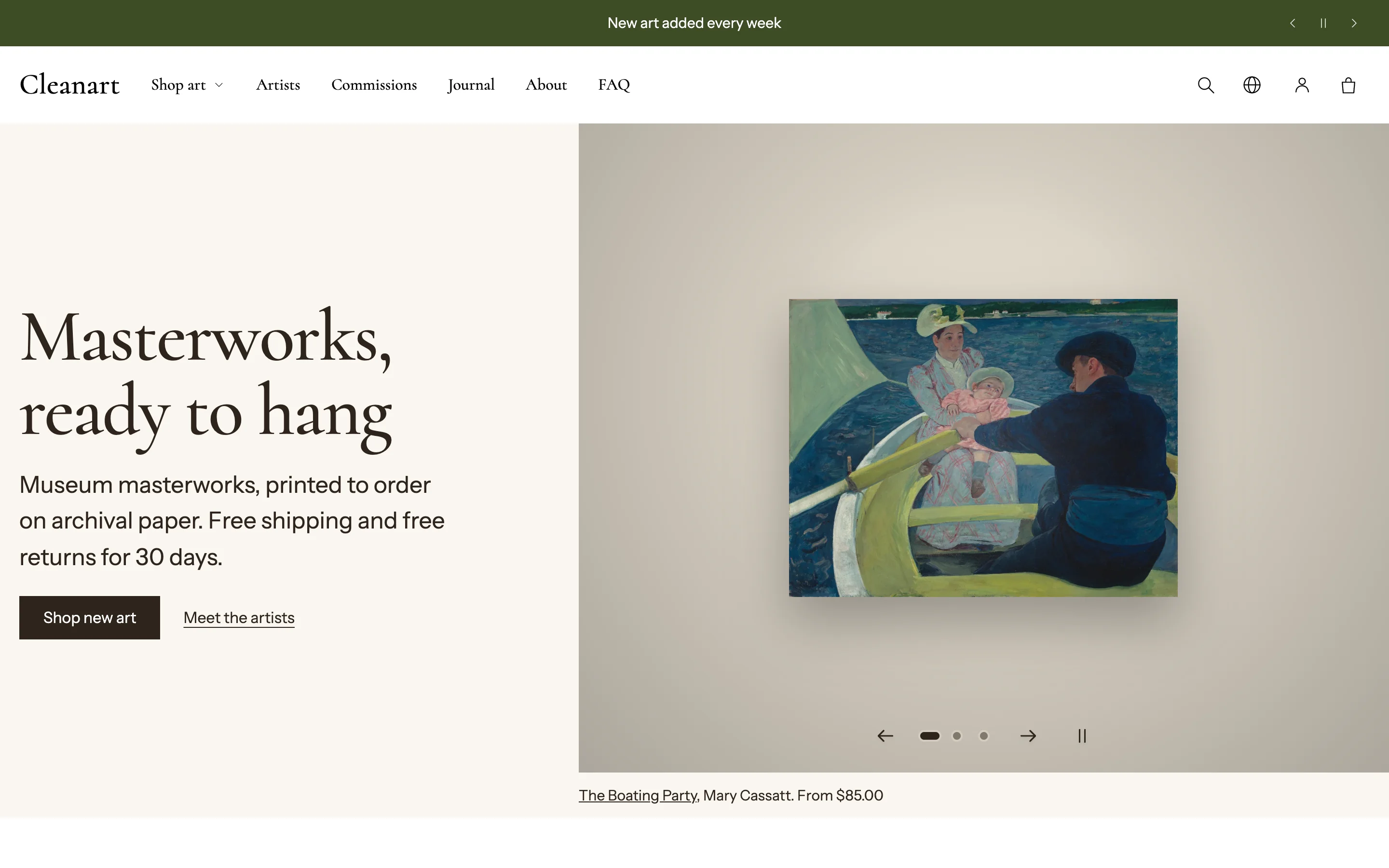
Clean Art is a Shopify theme for selling art: paintings, drawings, prints, photographs and sculpture. It is built around how people choose art: by artist, room, color, size and budget, and by seeing a work at its real size on a wall before they buy.
Coming soon to the Shopify Theme Store
Start here
- Install and update the theme
- Choose a preset: Clean Art, Nocturne or Pigment
- Add your artworks, with sizes, frames and artwork details
- Create pages and menus
- Work through the launch checklist
What makes Clean Art different
- See it on a wall. Every product can show the work at true size in five furnished rooms, with frame and mat choices that follow the product's options and price.
- Try it on your wall. Shoppers photograph their own wall, mark a known length such as a door, and place the framed work at real scale. The photo never leaves their device.
- Ways to browse that suit art: Art by room, Art by color, Art within budget, Find your piece (a three-question finder), artist pages and an artist index.
- Artwork details from product fields: artist, year, medium, dimensions, edition, accession number and credit line, shown on the product page and in the printable details sheet.
- A full store toolkit with no apps: quick view, quick add, cart drawer, sticky add to cart, filters in four positions, load more or infinite scroll, promo pop-up, age verifier, gallery ticker, shoppable image, image comparison, slideshow, and Shop Pay Installments, pickup, subscriptions and unit prices when your store uses them.
Presets
| Preset | Look | Demo |
|---|---|---|
| Clean Art | Warm light gallery, serif headings, quiet buttons | Demo coming soon |
| Nocturne | Dark museum, glass buttons, slideshow hero | Demo coming soon |
| Pigment | Bold color blocks, pill buttons, picture grid | Demo coming soon |
Need help?
Read the FAQ and Troubleshooting, or contact support.