Product cards appear in collections, search, the home page and recommendations. Their settings are in Theme settings > Product cards.
Even grids from mixed image sizes
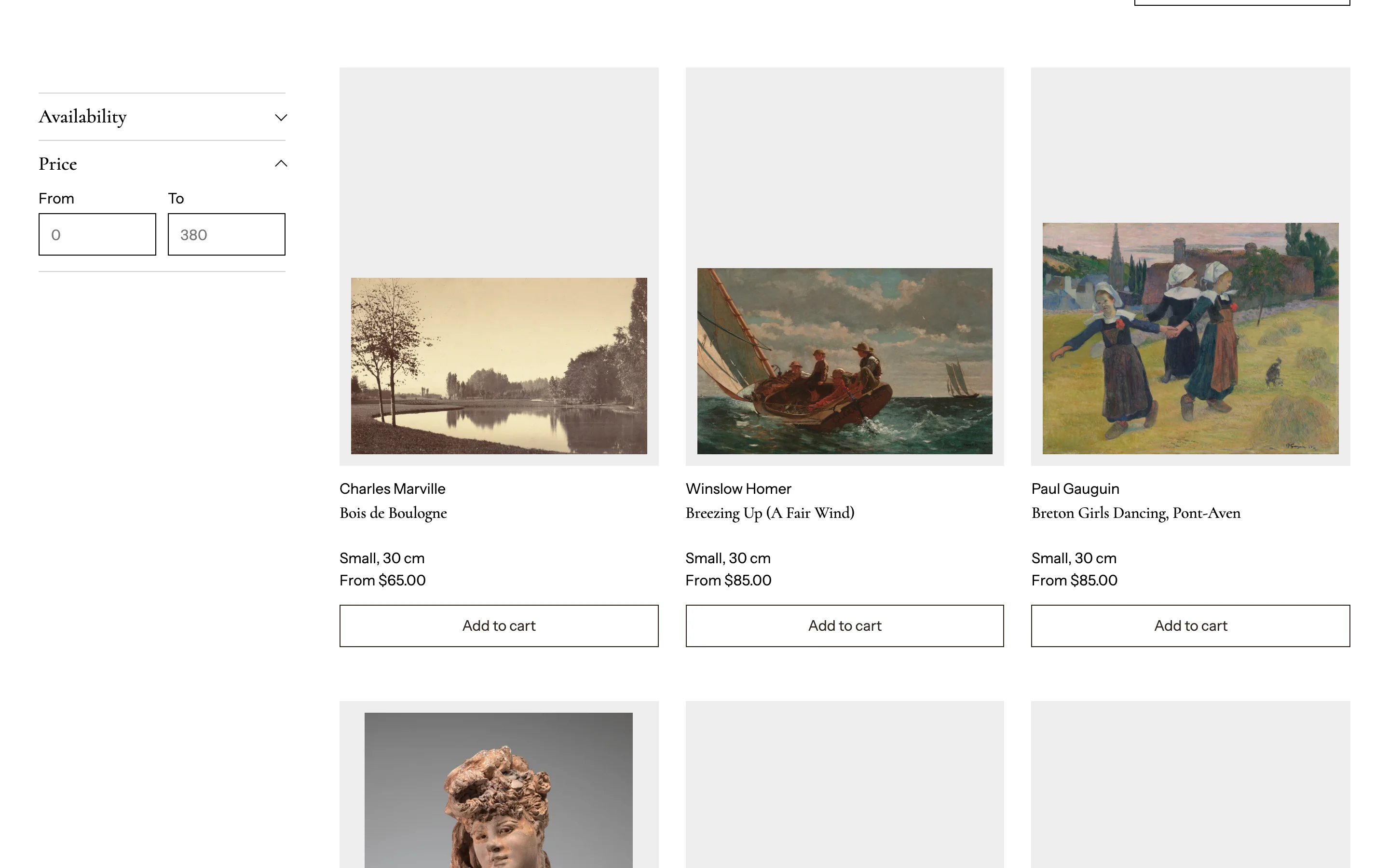 Paintings, prints and photos rarely share one shape. To make every card the same size:
- Image ratio: pick one shape for every card: Portrait (4:5), Tall portrait (3:4), Poster (2:3), Square, Landscape (3:2), Wide (16:9), or Custom and set the height as a percentage of the width. Adapt to image keeps each work's own shape instead.
- Image fit: Show the whole image never crops a work. Fill the frame crops to fill the shape.
- Image position: Automatic follows the focal point you set on each image in the Shopify admin, so cropping keeps the subject in view. Top, Center and Bottom fix the position; Bottom lines works up on one baseline, like a hanging line.
- Mat around image: an even border in the surface color around every picture, like a mat in a frame. It works best with Show the whole image. On small phone cards the mat scales down so the picture stays large.
- Title lines: shortens long titles with an ellipsis and keeps prices in line across a row.
To set a focal point: open the product, select an image, then Edit > Focal point.
Collection pages can override the image shape and display for their own grid in the Collection section.
Card content
- Show artist (the vendor) and Show dimensions.
- Hover effect: None, Show second image, or Lift.
- Show sale and sold out badges.
Card buttons
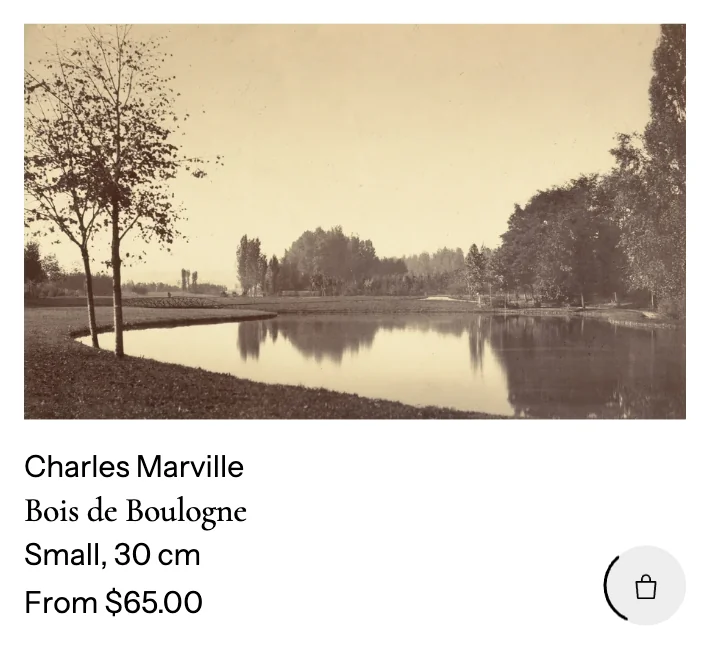
- Show quick add to cart button. For products with several sizes or options, Works with several sizes or options either adds the first available option or opens the product page.
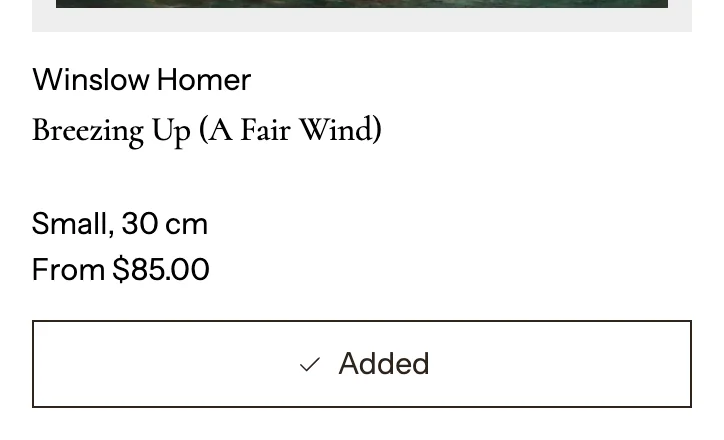
- Button style: Icon (a bag in the corner of the picture) or Text (a full-width Add to cart button under the price; cards line their buttons up across a row).
- Animate the button while adding: while the item is added, the icon shows a circling ring and the text button a progress line; then a check and "Added". Turn it off for a simple dimmed state.
- Show quick view button: opens the product in a pop-up without leaving the page.
Card box
Card style: Plain, Outlined or Filled, with border width and color, background, corner radius and the space inside the card.