Open Online Store > Themes > Customize. The home page is shown first. Select Add section to add one; sections are grouped by category in the picker. Drag sections to reorder them, and hide any with the eye icon.
Open with a banner (Banners)
- Hero wall: a featured artwork on a lit gallery wall, with slides, caption and optional cursor lighting and tilt.
- Slideshow: full-width slides with text and buttons, autoplay and a pause button.
- Hero banner and Image banner: a large image with heading and buttons.
Show the work (Products)
- New this week: a horizontal scroll gallery or a "salon hang" of a collection, with optional gallery lighting on the work in the middle.
- Card flow: a grid whose columns drift gently as you scroll.
- Featured products and Featured product (one product with its buy buttons).
- Shoppable image: a room photo with hotspots linking to the works in it.
- Recently viewed and Recommended products.
Help people choose (Collections)
- Find your piece: three questions (type of work, subject, budget) that lead to a filtered selection. Each answer's value is a collection handle, a product tag, or a top price.
- Art by room: rooms such as living room or bedroom, each linking to a collection.
- Art by color: color fields linking to collections or filtered searches.
- Art within budget: price bands with an example piece. Needs the price filter in Search & Discovery.
- Collection tiles and Collections grid.
Tell the story (Artists, Text and media, Trust)
- Artist spotlight, A closer look (a detail image or video of one work), Commission a piece (steps for commissions).
- See it at scale: one work shown at true size in a furnished room, with sizes and frames.
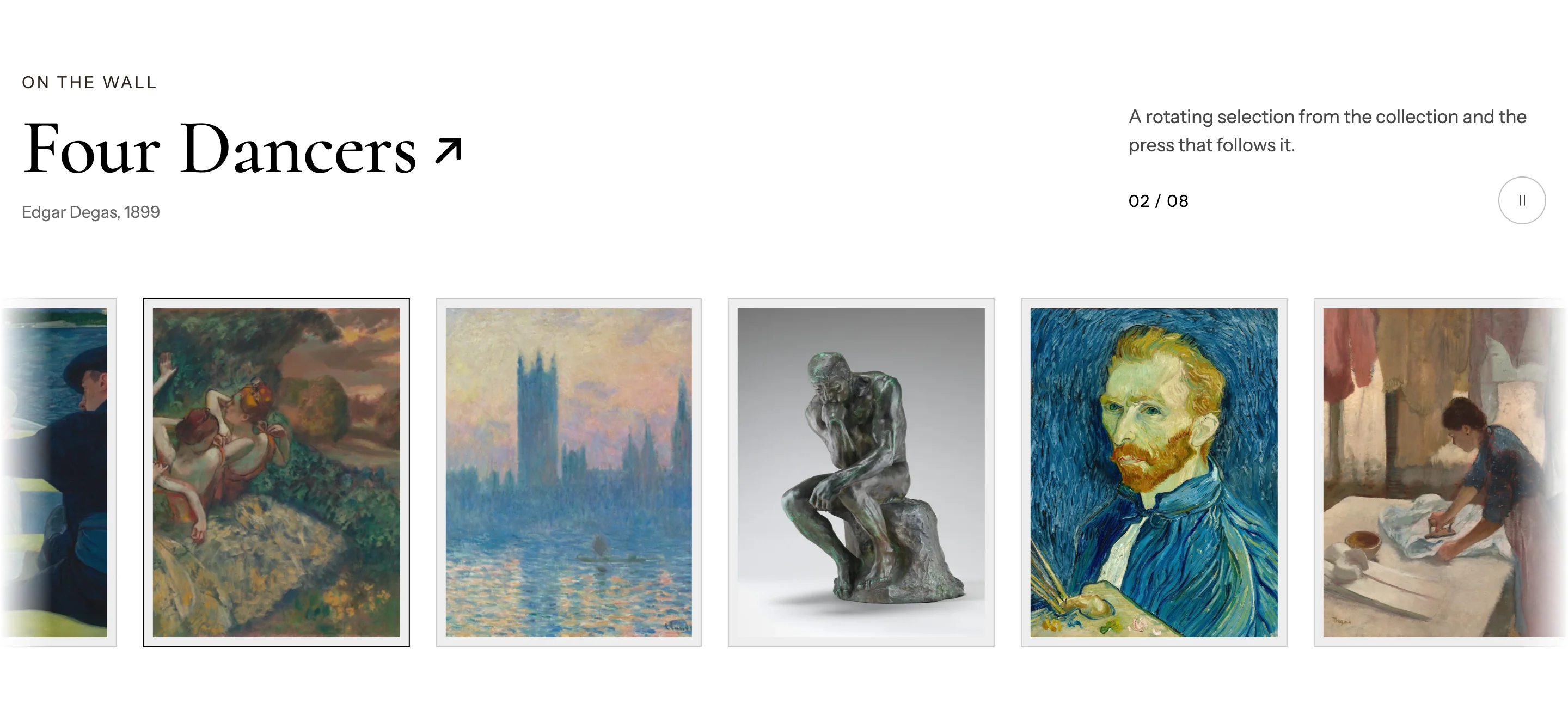
- Gallery ticker: a moving row of artworks or logos with a museum-style label that follows the work passing by. Set Item style to Logos for press or partner logos.
- Image comparison: a before-and-after slider.
- Image with text, Rich text, Multicolumn, Video, Blog posts, FAQ, Logo list, Value points, Our promise.
- Reviews, Collector stories and People (Trust).
Collect emails (Forms)
Email signup adds subscribers to your Shopify customer list with marketing consent.
See every section's settings in the Sections reference.