Clean Art links works to artists through the product Vendor. Use exactly the same spelling everywhere.
Artists page
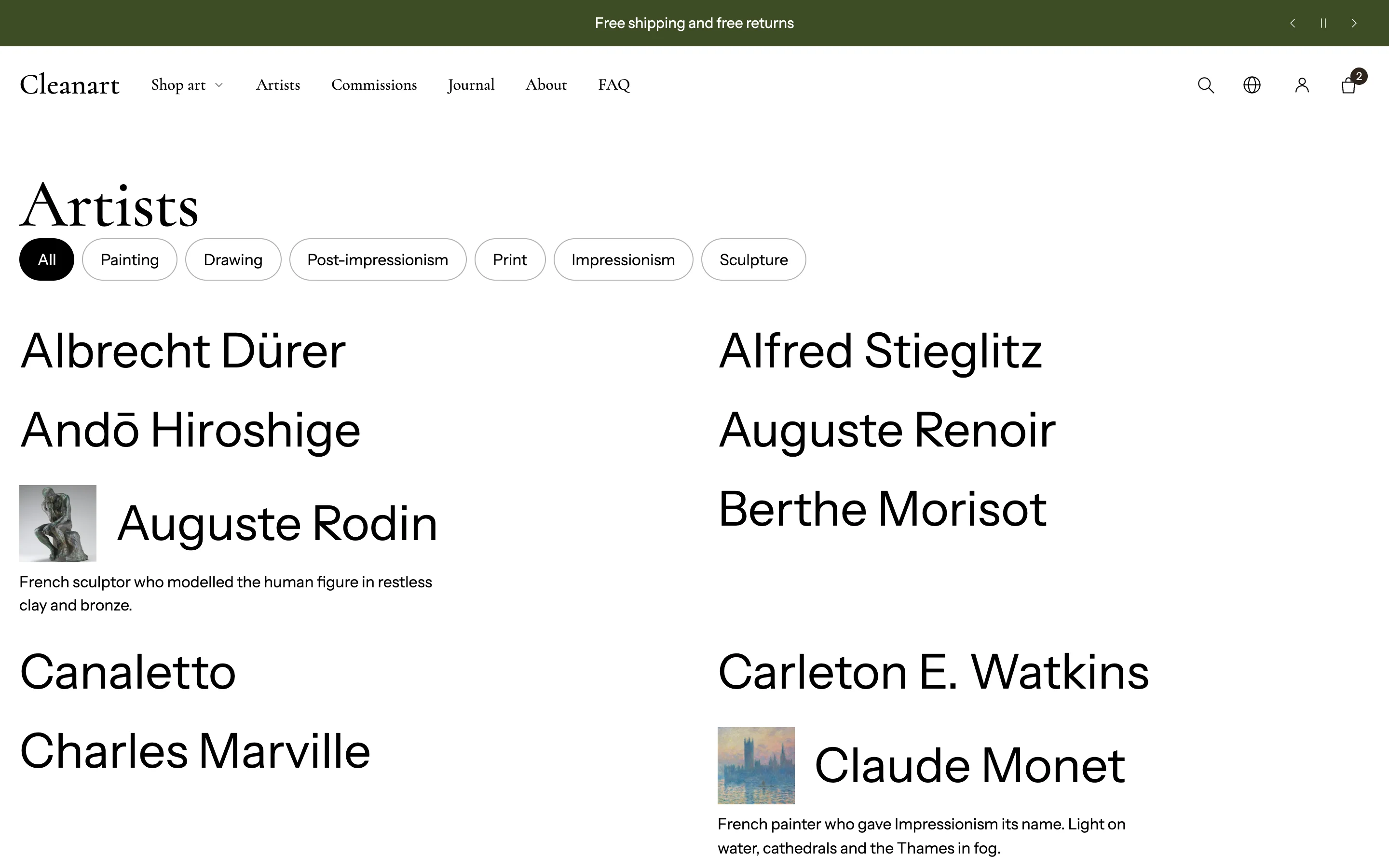
- Create a page called Artists with the
artiststemplate. - In the Maker index section, add a Maker details block per artist with a portrait and short bio.
When you add the section it lists only the makers you add as blocks. Set Show to Every product vendor, with details from blocks to list every vendor automatically.
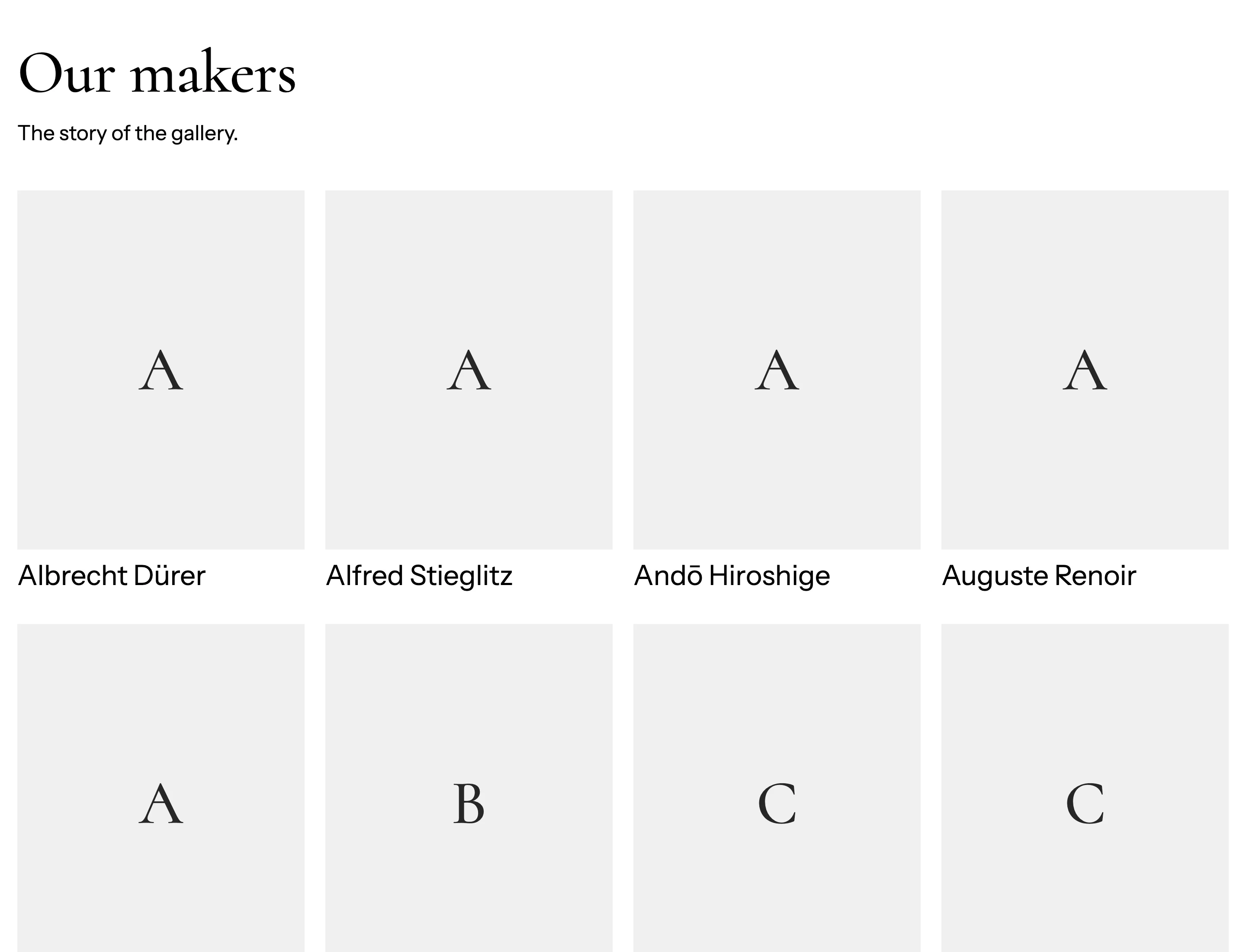
- Layout: List, Grid with portraits, Carousel or Alphabetical groups.
- Columns on desktop.
- Portrait shape and Portrait display (Cropped to fill the frame or Whole image, never cropped).
A page per artist
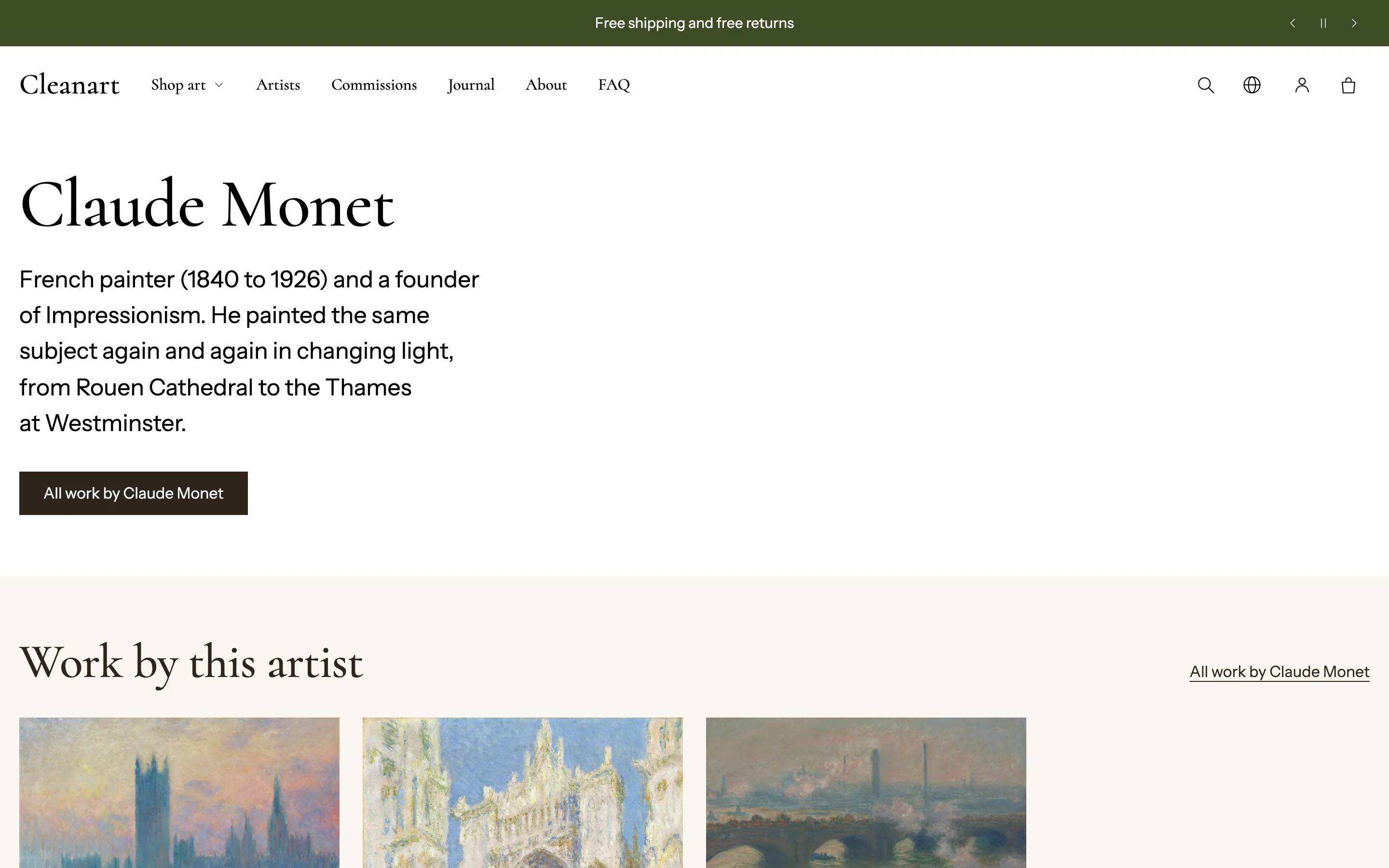
- Create a page with the
artisttemplate. The page title must match the vendor name exactly, such asWinslow Homer. - The Maker profile section shows the portrait, bio (the page content), Fact blocks (born, lives in, medium) and Link blocks (website, Instagram), plus a link to all their work.
- Add Heading, Text, Button and Bio blocks and drag them into any order.
- Set Image position, Image width, Text alignment, Text position beside image and Entrance animation. Image shape and Image display work as in Images.
On product pages
- The Artist block shows the vendor's name and links to all their works. Link the artist page from the page content or a Button block.
- More from this maker lists other works by the same vendor.
Filter by artist
In Search & Discovery, add the Vendor filter and rename its label to "Artist".