A preset is a starting set of theme settings and home page sections. All three presets have every feature; they differ in look and in which sections they start with.
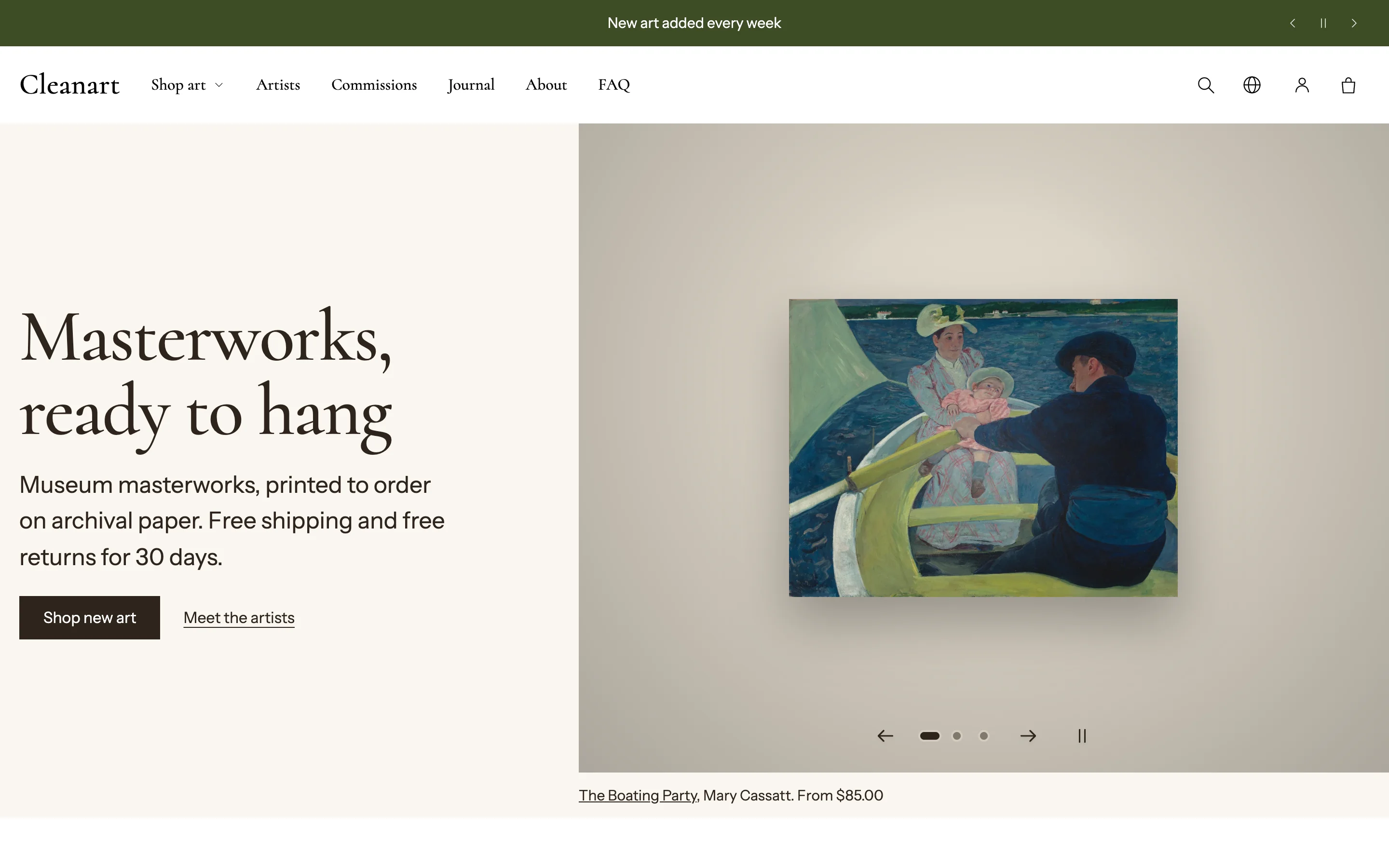
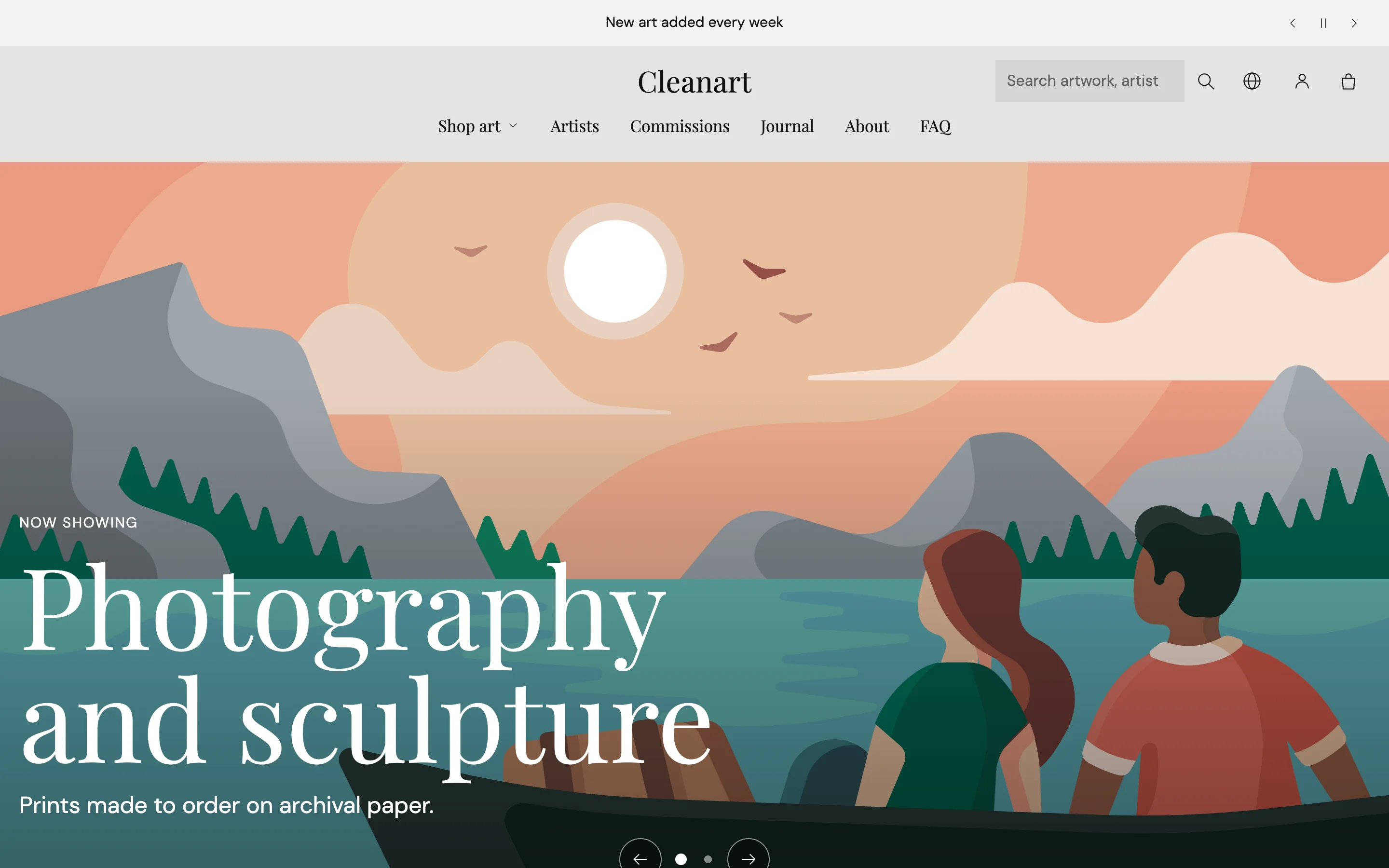
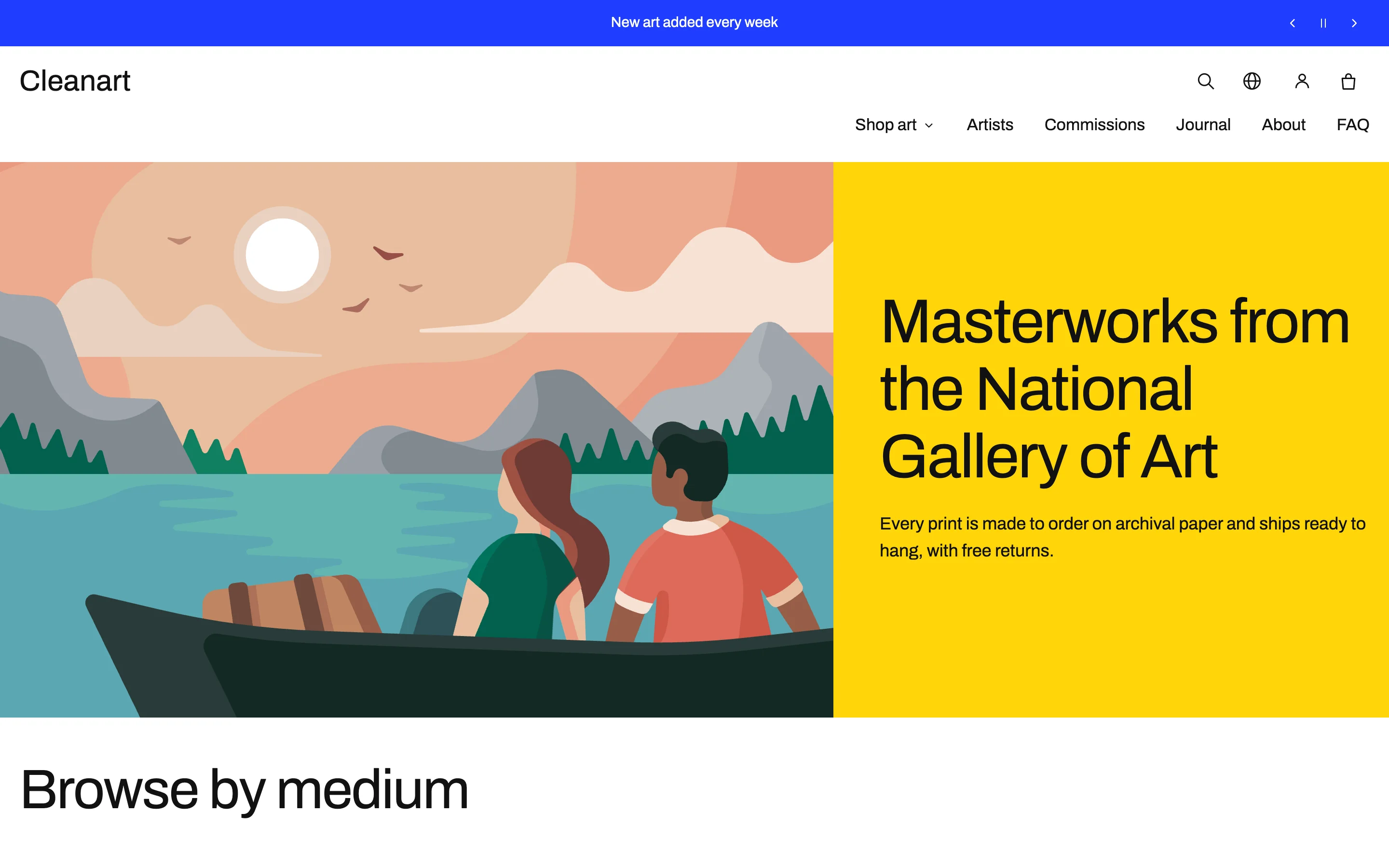
| Preset | Look | Best for | Demo |
|---|---|---|---|
| Clean Art | Warm light gallery: paper background, serif headings, quiet outline buttons, scroll gallery of new works | Paintings and prints, medium catalog | Demo coming soon |
| Nocturne | Dark museum: deep backgrounds, glass buttons, slideshow hero, thumbnails beside the main picture | Photography and sculpture, small catalog | Demo coming soon |
| Pigment | Bold color blocks, pill buttons, outlined product cards, picture grid on the product page | Prints, posters and illustration, large catalog | Demo coming soon |
Each preset also changes the header layout, product gallery layout, collection filter position and pagination style.
Switch presets
- In Online Store > Themes, find Clean Art in the Theme library.
- Add the theme again and pick a different preset. It is added as a new copy, so your current theme is untouched.
- Compare them and publish the one you prefer.