Brand
- Logo, mobile logo and favicon in Theme settings > Logo and favicon
- Fonts in Typography, colors in Colors
- Social links in Theme settings > Social media
Products
- Every work has a Size option, the artist as Vendor and its artwork fields filled in (Add your artworks)
- Product images about 2000 px on the long side
- Image alt text for every product image (in the product's media, select an image > Add alt text)
Pages and menus
- Artists, artist pages, About, FAQ, Shipping and returns, Contact (Pages and navigation)
- Header and footer menus
Selling
- Theme settings > Cart: drawer or page, and what happens after adding to cart
- Shop Pay Installments, pickup locations, subscriptions and markets turned on in Shopify if you use them; the theme shows them automatically
- Filters chosen in the Search & Discovery app (Collections and filters)
Content
- Every demo image and demo text replaced, including the home page, product page sections and pop-ups
- Promo pop-up and age verifier on only if you need them (Pop-ups)
- Policies in Settings > Policies; their links show in the footer
Check on a phone
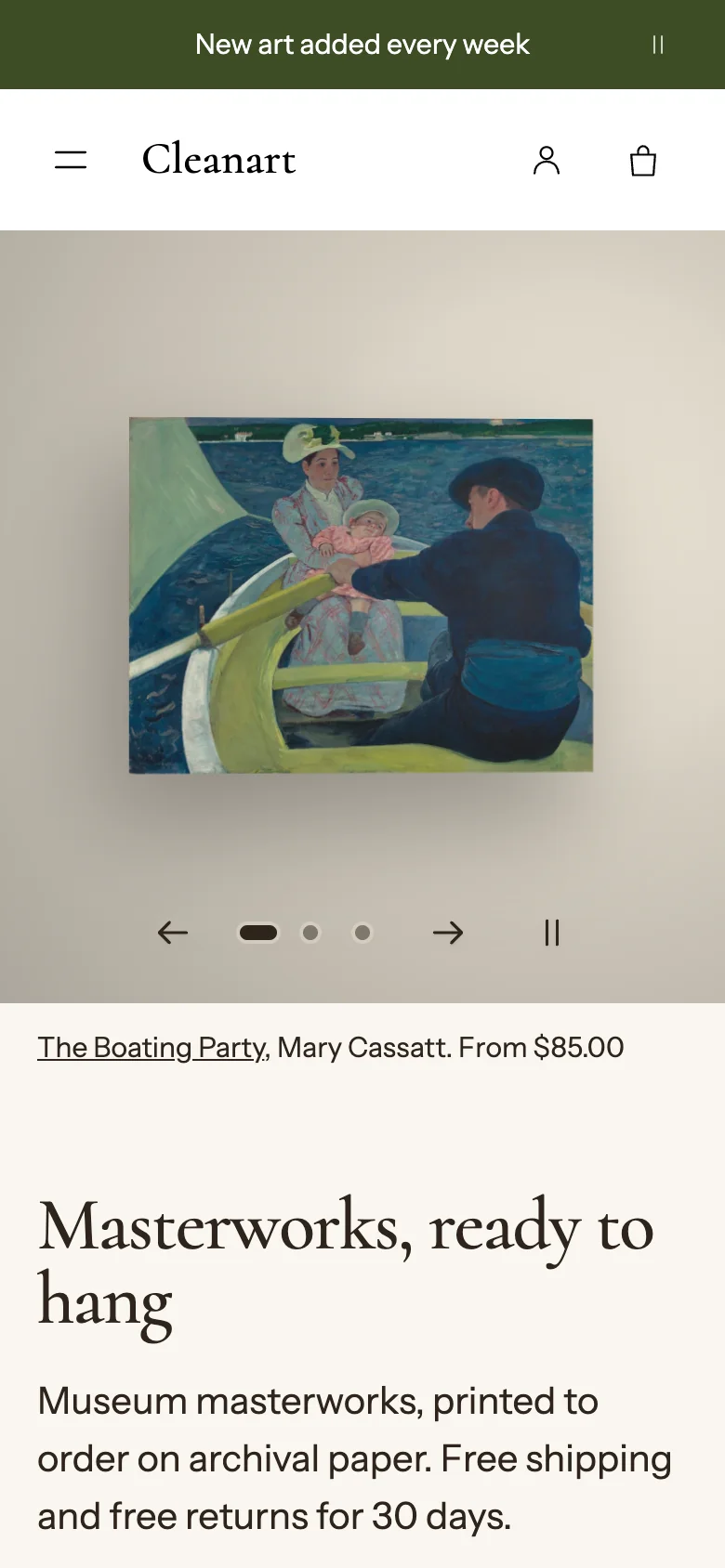
- Home page, a collection, a product, the cart drawer and checkout on a real phone
- Menu, search and filters open and close
Languages
- If you sell in several languages, add them in Settings > Languages and translate your own text in Translate & Adapt (Languages)